Mae Sot: Asian Highway 1
 Mae Sot, Tailândia
Real-Time Environment
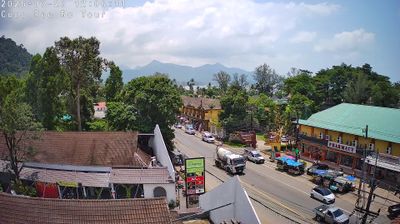
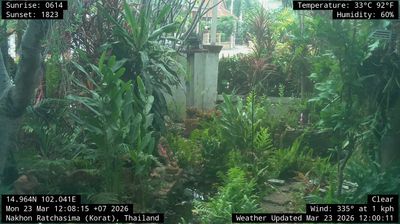
Welcome to the live streaming webcam for Mae Sot: Asian Highway 1, perfectly situated in the vibrant region of Mae Sot, Tailândia. Watching this live camera allows you to instantly experience the local atmosphere and monitor current climate conditions.

About Mae Sot
Mae Sot is a city in western Thailand that shares a border with Myanmar to the west. It is notable as a trade hub and for its substantial population of Burmese migrants and refugees. The city is part of Tak Province, 87 km from the city of Tak and 492 km from Bangkok. It is home to the district headquarters of Mae Sot District, and is the main gateway between Thailand and Burma. As a result, it has gained notoriety for its trade in gems and teak, as well as black market services such as human trafficking and illicit drugs.
📖 Read more on Wikipedia📍 Location Facts
-
Country
 Tailândia
- Region Tak Province
- City Mae Sot
- Coordinates 16.7227°N, 98.5750°E
Have you been to Mae Sot?
Help the community! Share your experience, tell us about the weather, or upload your own photos from this exact location.