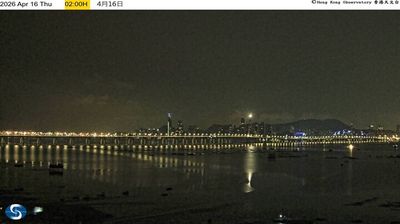
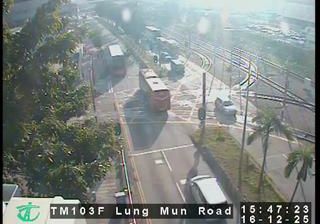
Hong Kong › Sudoeste
 Hong Kong, China
Real-Time Environment
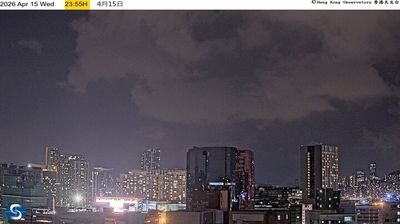
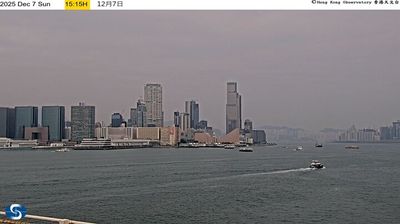
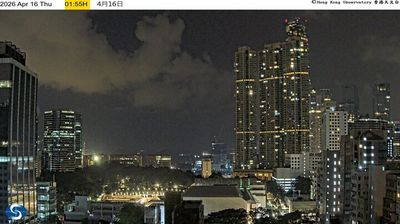
Welcome to the live streaming webcam for Hong Kong › Sudoeste, perfectly situated in the vibrant region of Hong Kong, China. Watching this live camera allows you to instantly experience the local atmosphere and monitor current climate conditions.

About Hong Kong
Hong Kong é uma das duas regiões administrativas especiais (RAE) da República Popular da China (RPC), sendo a outra Macau, situada na costa sul da China e delimitada pelo delta do Rio das Pérolas e pelo Mar da China Meridional. É conhecida por seu horizonte repleto de arranha-céus e por seu profundo porto natural. Com uma área de 1 104 km² e uma população de sete milhões de pessoas, Hong Kong é uma das áreas mais densamente povoadas do mundo. A população da cidade é composta por 95% de pessoas de etnia chinesa e 5% de outros grupos étnicos. A maioria chinesa Han da cidade é originária, principalmente, das cidades de Guangzhou e Taishan, na vizinha província de Guangdong.
📖 Read more on Wikipedia📍 Location Facts
-
Country
 China
China
- Region Hong Kong
- City Hong Kong
- Coordinates 22.3276°N, 114.1901°E
Have you been to Hong Kong?
Help the community! Share your experience, tell us about the weather, or upload your own photos from this exact location.